Estimate System Requirements
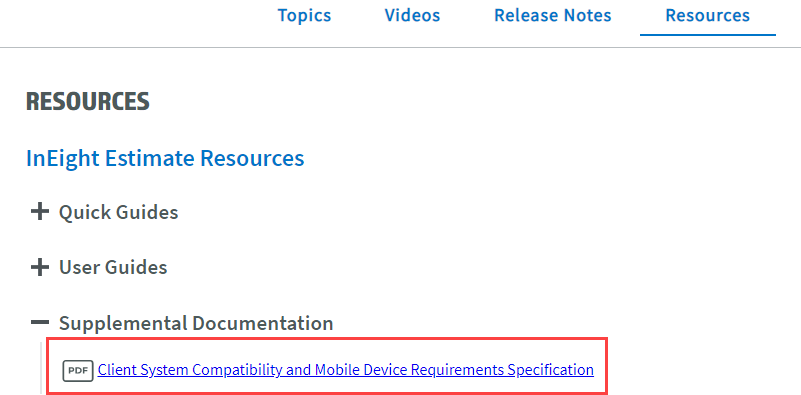
The system requirements for Estimate are available to view in the Client System Compatibility and Mobile Device Requirements Specification document. The document lists the requirements for all InEight products. Any software versions not listed on those articles are to be assumed incompatible with Estimate unless explicitly stated elsewhere in the InEight software documentation.
You can find the document link in Resources > Supplemental Documentation > Client System Compatibility and Mobile Device Requirements Specification in the Knowledge Library.
Estimate will not function on any Home Editions of MS Windows, nor any version of Apple Mac OS.
Verifying the new Estimate Version
Before you install the latest version of Estimate, you need to confirm you are installing your company’s recommended version of Estimate.
Step by Step — Verifying Estimate version
-
Select the System tab.
-
Select the About Estimate option under the Help section.